MGS1001課程介紹
MGS1001 課程介紹
New
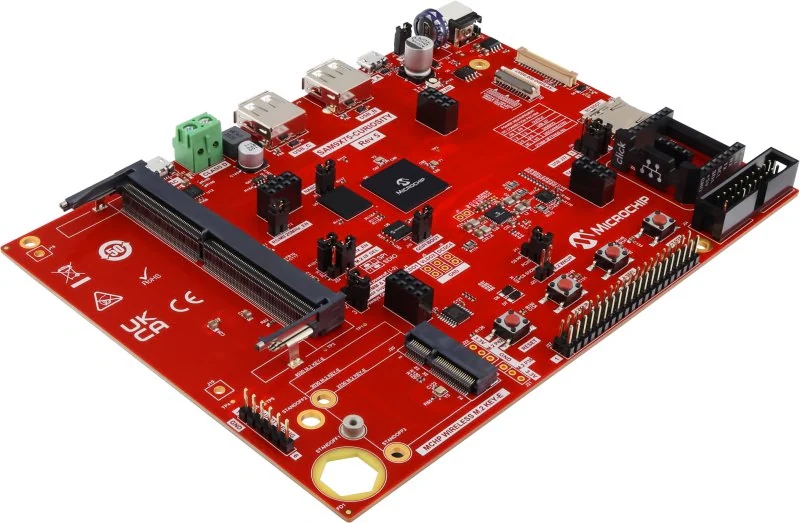
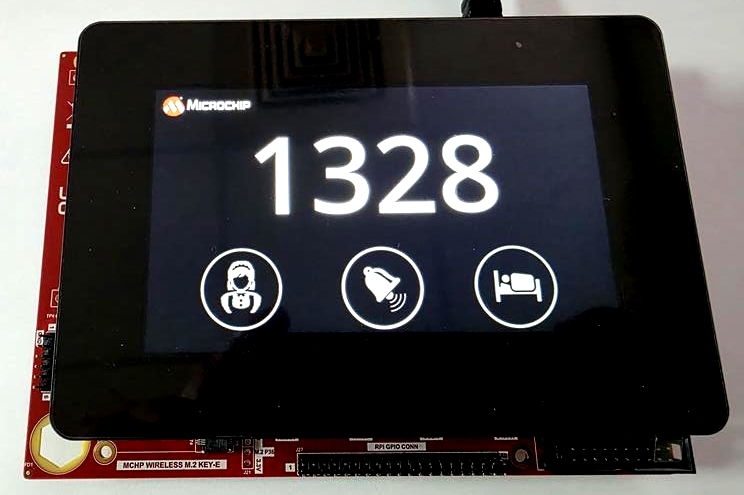
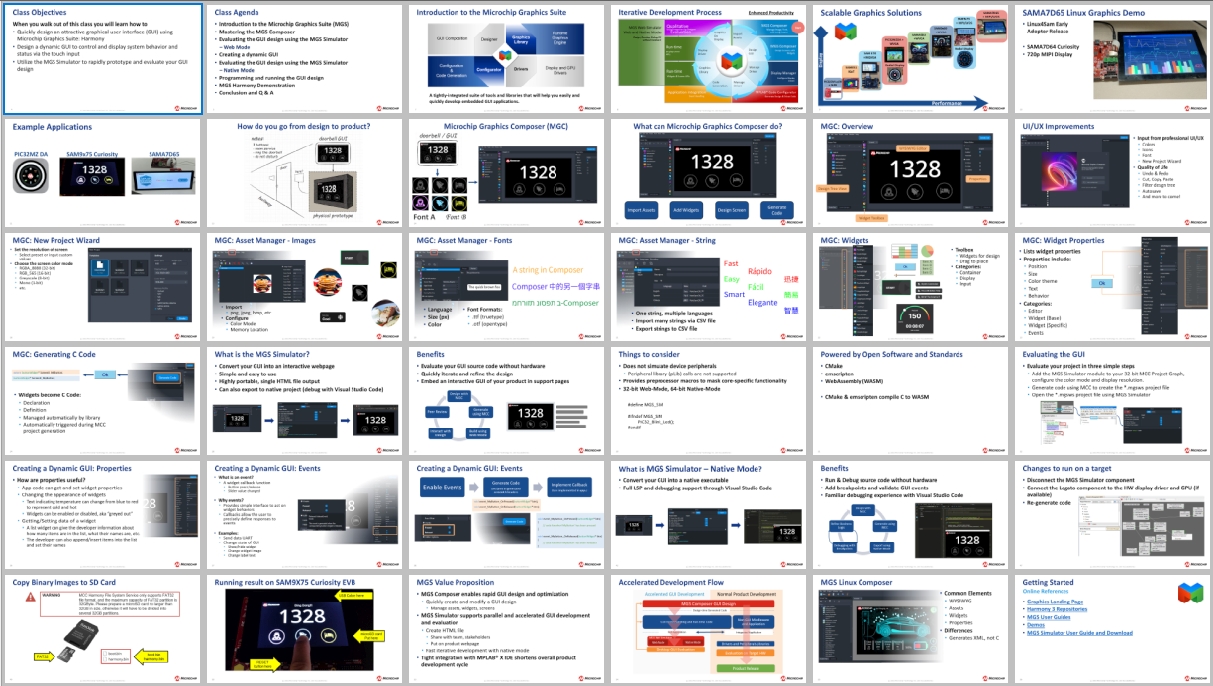
這門課程將帶您掌握如何使用 SAM9x75 處理器 與 Microchip Graphic Suite (MGS) 圖形開發工具。從硬體平台與設計參考資源切入,講師將帶領學員逐步建立全新的 MCC Harmony 專案,運用 Graphics Composer 設計直覺的 UI、設定調色盤(Schemes)與事件處理,並高效管理圖像、字型與多語系文字資產。
此外,課程更深入涵蓋如何自訂 UI 元件(如按鈕與標籤),並最終透過 MGS Simulator 模擬器與 VSCode 完成圖形設計應用程式的虛擬測試與原位除錯,非常適合希望快速上手 Microchip 嵌入式圖形化介面(HMI)開發的工程師。
此外,課程更深入涵蓋如何自訂 UI 元件(如按鈕與標籤),並最終透過 MGS Simulator 模擬器與 VSCode 完成圖形設計應用程式的虛擬測試與原位除錯,非常適合希望快速上手 Microchip 嵌入式圖形化介面(HMI)開發的工程師。
-
01. Microchip Graphics Portfolio and SAM9x75 Brief
-
02. SAM9x75 Curiosity Development Board Introduction
-
03. Software Requests In this Course
-
04. Design Reference
-
05. Initial a Project for New Design• a. A New MCC Harmony Project
• b. Board Support Packages (BSP)
• c. Development Board Template -
06. Microchip Graphics Composer Layout Tool
-
07. Schemes Color Mapping
-
08. Event Handling Mechanism
-
09. Button Widget Event Configuration
-
10. Graphics Assets Pipeline
-
11. Image Assets Manager
-
12. Custom Button Widget Template
-
13. Font and String Assets Manager(多語系設定)
-
14. Label Widget with Dynamic Text
-
15. Microchip Graphic Suite Simulator Runtime
-
16. Microsoft VSCode Debugging and Verification